
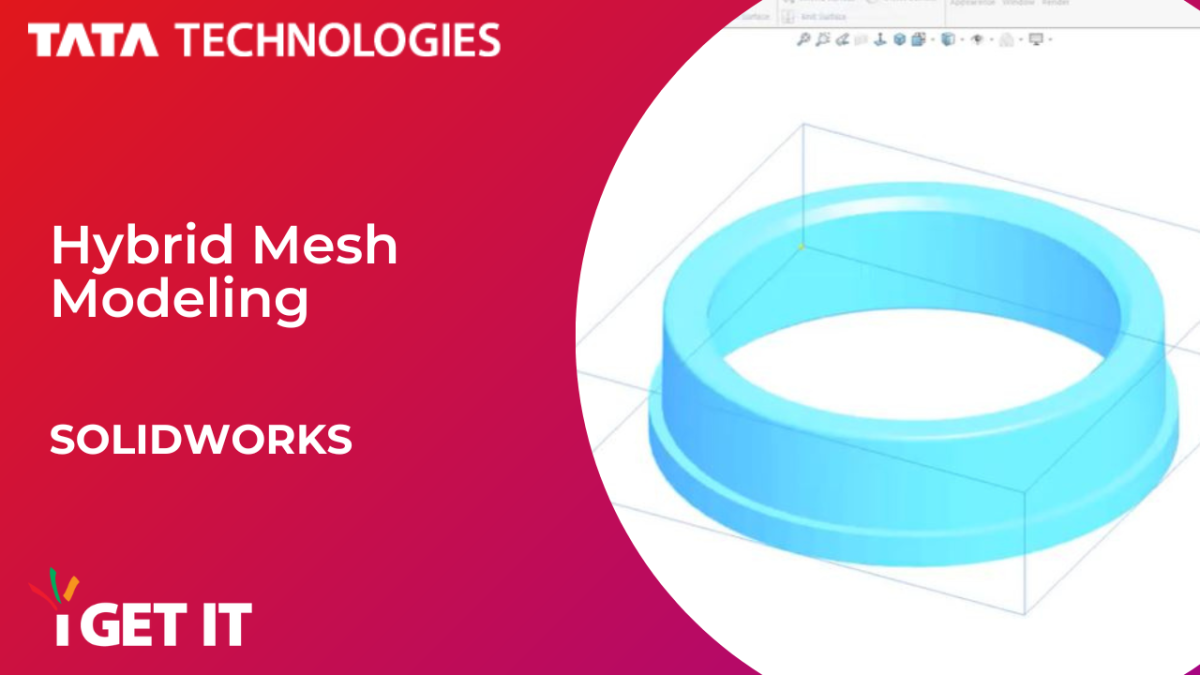
You can create a hybrid solid or surface body that combines mesh geometry and standard SOLIDWORKS geometry, making this a powerful enhancement for 2022.

Follow the video along with the textual steps to know more –
step 1

Start by opening your generic solid file, ensuring it’s imported as a Graphics Body…
Then, from the Mesh Modeling CommandManger, use Convert to Mesh Body to convert the graphics body into a mesh body…

And that’s it!
From here, you can create any additional required features.

About i GET IT
i GET IT is our Tata Technologies eLearning solution designed to teach engineers how to be better in using today’s leading MCAD (Mechanical Computer Aided Design) applications and design skills.
For more tech tips and in-depth eLearning for SOLIDWORKS, including this and new courses on other design solutions, please visit https://www.myigetit.com. You can sign up and get a FREE Subscription when joining through SkillAdvisor to get our informative Newsletter.
Start your upskilling journey!
If you should have any questions, please reach out to iproducts@tatatechnologies.com or igetitsocial@tatatechnologies.com for help.


Leave a Reply