
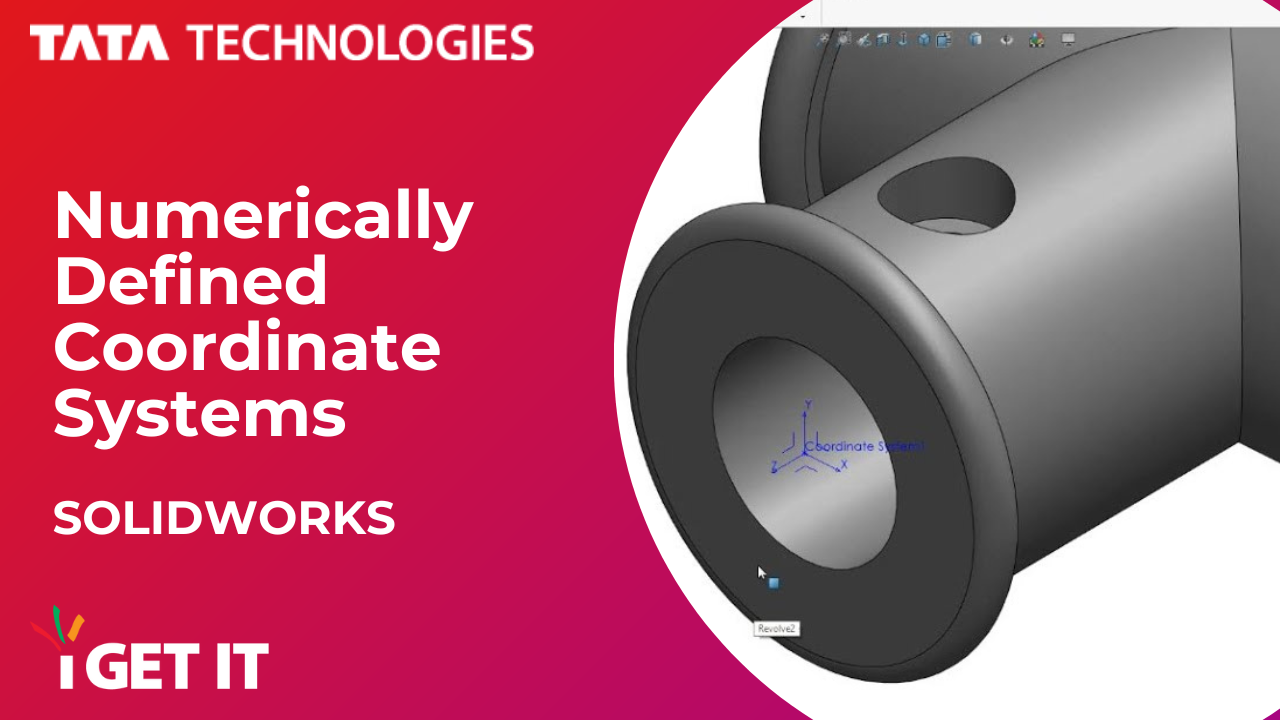
In parts and assemblies, you can define coordinate systems by entering absolute numeric values for position and orientation. These values define the position relative to the local origin, and not the global origin.
To know how these numerical defined coordinate systems works follow below steps and videos.
Step 1
Insert a Coordinate System.

Step 2

Check Define position with numeric values, and then enter values for the X, Y, or Z axes.
Remember, values define the position relative to the local origin, and not the global origin.
Step 3
If required, check Define rotation with numeric values to apply a specific rotation to the coordinate system. Then enter an angular value for at least one axis.

Step 4

Click OK to complete the feature.
About i GET IT
i GET IT is our Tata Technologies eLearning solution designed to teach engineers how to be better in using today’s leading MCAD (Mechanical Computer Aided Design) applications and design skills. For more tech tips and in-depth eLearning for SOLIDWORKS, including this and new courses on other design solutions, please visit https://www.myigetit.com to explore more information. You can sign up and get FREE Subscription of our Newsletter and there are subscription plans to get access and start your upskilling journey! If you should have any questions, please reach out to iproducts@tatatechnologies.com or igetitsocial@tatatechnologies.com for help.


Leave a Reply